
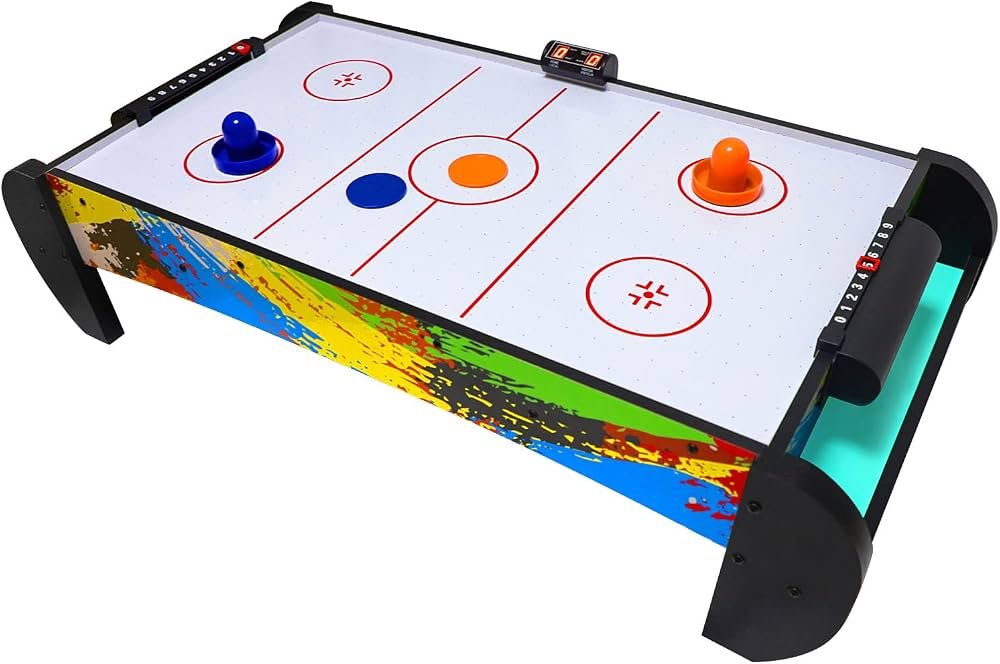
Can You Put Air Hockey on Carpet? Why You Need a Hard Surface
No, you can’t put air hockey on carpet because the soft surface blocks the air vents underneath the table. This stops the puck from gliding and puts heavy strain on the blower motor. You must place your table on a hard, flat surface like wood, tile, or concrete to keep the air flowing freely and prevent the motor from burning out.
Putting an air hockey table on carpet
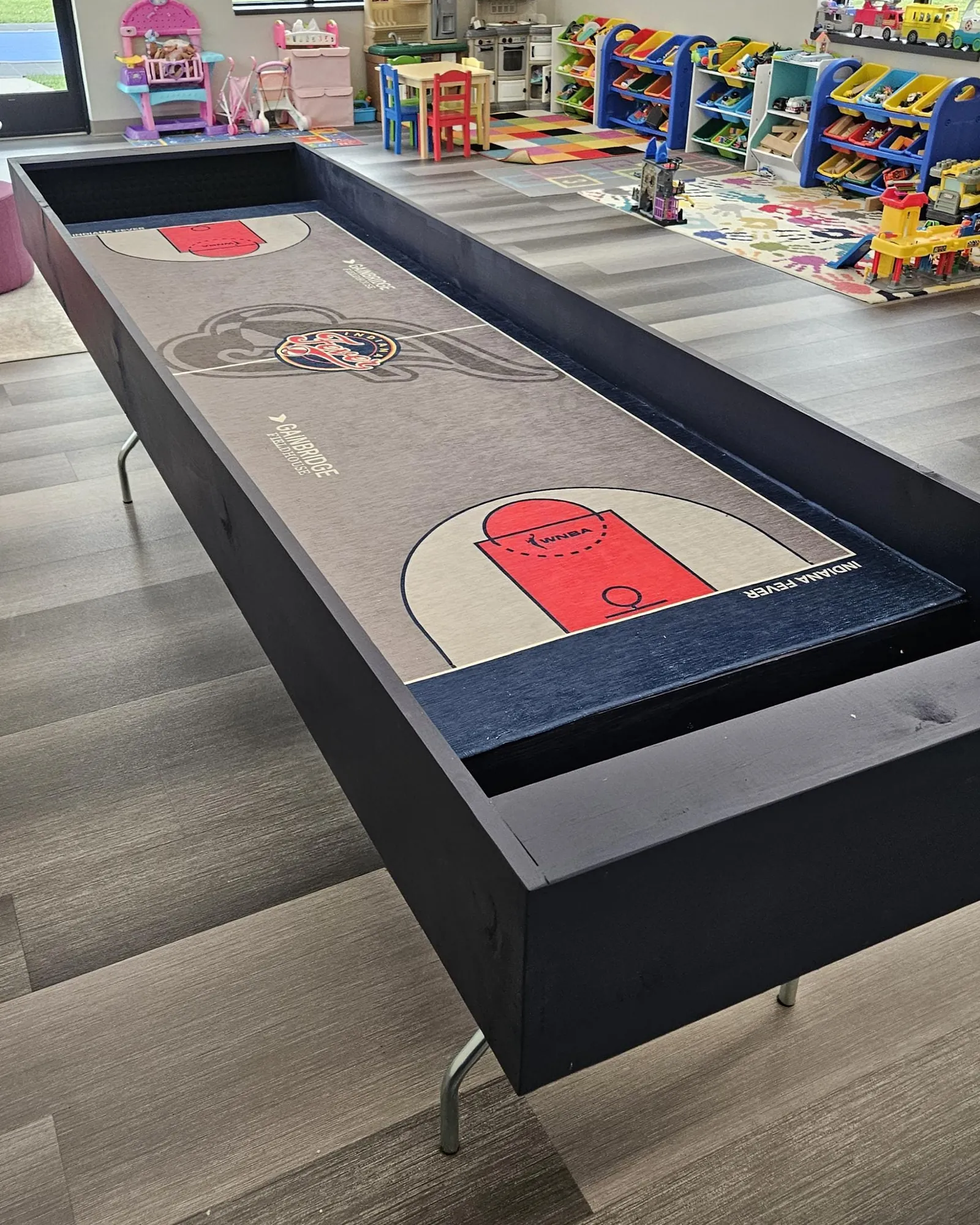
The following table helps you determine if your floor is suitable for a standard home air hockey table.
| Your situation | Answer | Why |
|---|---|---|
| Hardwood or laminate floor | Yes | Provides a stable, level surface. |
| Thin, low-pile carpet | No | Still blocks the intake vents. |
| Thick, plush carpet | No | Causes the table to tilt and wobble. |
| Concrete basement floor | Yes | Sturdy and keeps the motor cool. |
| Tile or stone floor | Yes | Perfectly flat for even play. |
| Rug under the table | No | Creates uneven height and friction. |
Air hockey tables rely on underside fans to pull in air.
If you must use a carpeted room, place a sheet of 3/4-inch sanded plywood beneath the legs. This creates a rigid platform that prevents the table from sinking into the padding.
Check your floor with a four-foot level before assembly. If the bubble sits outside the center lines, the puck will drift toward the low side during every match. Shimming a table on carpet is a mistake; the weight of the players will eventually shift the shims, ruining your calibration. If the floor isn’t level, move the table to a different wall.
Why air flow decides your setup
Air hockey tables rely on a high-velocity fan to push air through thousands of tiny holes on the playfield. This air creates a thin cushion that allows the puck to float, which is the core mechanism of the game. If you block the intake, which is usually located on the underside of the table, the fan can’t pull in enough air to create this cushion.
When the fan struggles to pull air through carpet fibers, the motor works much harder than it’s designed to. This leads to overheating and potential failure of the electrical components. Additionally, carpet is rarely perfectly level. Even a small tilt will cause the puck to drift toward one side, making the game impossible to play fairly.
If you have a table with a bottom-mounted fan, the carpet also acts as an insulator. It traps the heat generated by the motor, which further increases the risk of damage. If your floor is perfectly level, the table stays stable; if your floor has a slope, the puck won’t move straight.
If you must use a hard surface
If you don’t have a hard floor in your game room, you need to create a stable platform to protect your equipment. Follow these steps to ensure your table operates correctly.
- Measure your space to ensure the table legs fit entirely on the hard surface without touching any carpet edges.
- Use a large sheet of plywood if you only have a small area of hard floor, ensuring the board is at least 3/4-inch thick to prevent sagging.
- Check for levelness using a standard bubble level placed in the center of the playfield to verify the surface doesn’t slant.
- Adjust the leg levelers by turning them clockwise or counter-clockwise until the table sits firmly on the floor without any rocking.
- Test the air pressure by placing a puck in the center; it should hover slightly and move without catching on the surface.
The mistake people make
The most common mistake is placing a thin piece of cardboard or a rug under the legs thinking it will protect the carpet. This doesn’t solve the air intake problem because the fan still needs a large, open area to draw in air from beneath the chassis.
This mistake often results in a burnt-out motor, which is inexpensive to replace depending on the specific model. Most users fail to realize that even a half-inch of carpet pile creates a seal that chokes the fan.
To test your clearance, slide a standard sheet of paper under the center of the table. If it meets resistance or bunches up, the intake is obstructed. You must move the table to a hard floor or install a rigid plywood base to prevent motor failure.
When to stop and get help
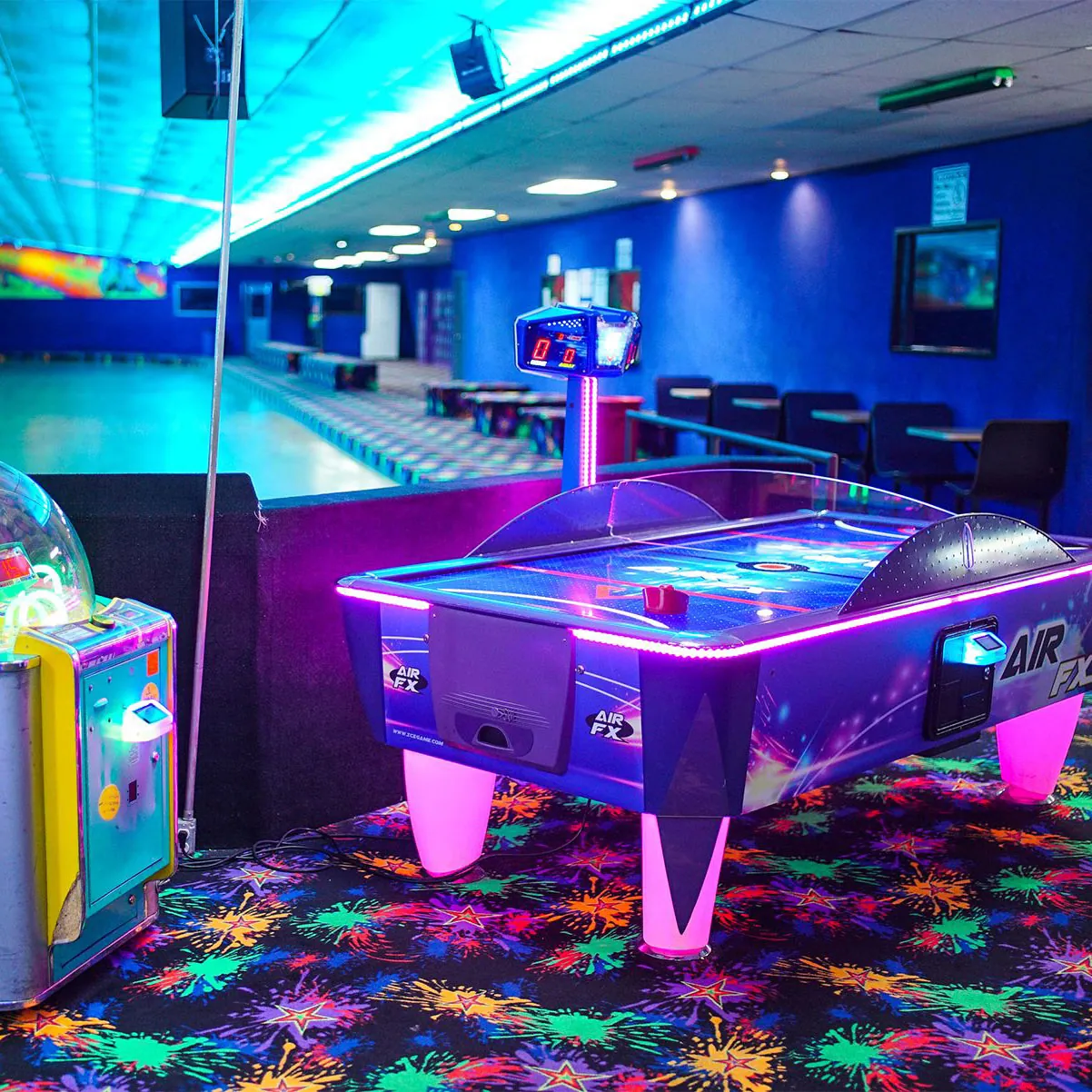
You should stop trying to fix the setup yourself if you notice any of these signs of mechanical trouble.
The motor makes a loud grinding or rattling noise when you turn it on. If you hear this, shut the power off immediately to prevent the motor from seizing or causing a fire.
The table smells like burning plastic or ozone during use. This indicates an electrical fault or motor overheating. Ignoring this scent risks permanent damage to the internal wiring.
The fan runs but no air comes out of the holes on the playfield. Check for debris first, but if the airflow remains blocked, the internal ducting may have collapsed.
The table frame has warped due to being placed on an uneven surface. If the surface is no longer level, the puck will drift.
Contact a professional appliance technician or the manufacturer’s support line to see if the part is replaceable. Don’t attempt to rewire the motor yourself.
Frequently asked questions
Can I put a piece of plywood under the table on carpet?
Yes, you can use a large, flat sheet of 3/4-inch plywood to create a base. It must be larger than the footprint of the table legs to provide full support. This creates a hard platform, but ensure the intake vents remain clear of any carpet fibers that might curl up around the edges.
Will a rug under the table stop it from wobbling?
No, a rug will likely make the wobbling worse and block the air intake. Air hockey tables require a solid, rigid surface to stay level. A rug is too soft and will compress unevenly under the weight of the table, causing the playing surface to tilt during a match.
How do I know if my motor is overheating?
You can tell the motor is overheating if it shuts off automatically after a few minutes of play. You might also notice the plastic casing around the fan feels very hot to the touch. Stop using the table immediately if you detect these signs to prevent permanent motor failure.
Is it safe to play on carpet if I raise the table?
No, raising the table on blocks doesn’t guarantee enough air flow for the motor. Most home tables are designed to sit directly on a hard floor to maintain stability and prevent the fan from pulling in dust from the carpet. Always place the unit on a hard, flat floor instead.
How much does a replacement motor cost?
A replacement motor is typically inexpensive, depending on the specific model and brand. You can find the exact part number in your owner’s manual or on the sticker located near the fan housing. Always check the manufacturer’s official website for the correct part before you attempt any repairs.
What happens if the table isn’t level?
If the table isn’t level, the puck will consistently drift to one side regardless of how hard you hit it. This makes the game frustrating and ruins the competitive balance. You should use a bubble level on the playfield and adjust the leg levelers until the air cushion is perfectly even.
Setting up your air hockey game
Place your table on a level hard floor to ensure the best performance. You’ll know the table is set up correctly when the puck floats evenly across the entire surface without drifting. If you hear a loud humming noise or feel the table vibrate excessively, stop the fan and check that the intake vents have at least 4 inches of clearance from any obstruction.
If your floor has a slight slope, place thin rubber shims under the legs on the low side. Don’t use cardboard or folded paper, as these compress over time and cause the table to tilt mid-game.
Test the balance by placing a marble in the center; if it rolls toward one rail, your surface remains uneven. Adjust until the marble stays perfectly still.
About the Author Eric Glenn
I launched this blog to provide advanced material, guiding you towards a better and more comfortable gaming tools experience. I deliver more than gaming gear guides, and motivate people to play games and keep the fitness forever!

