
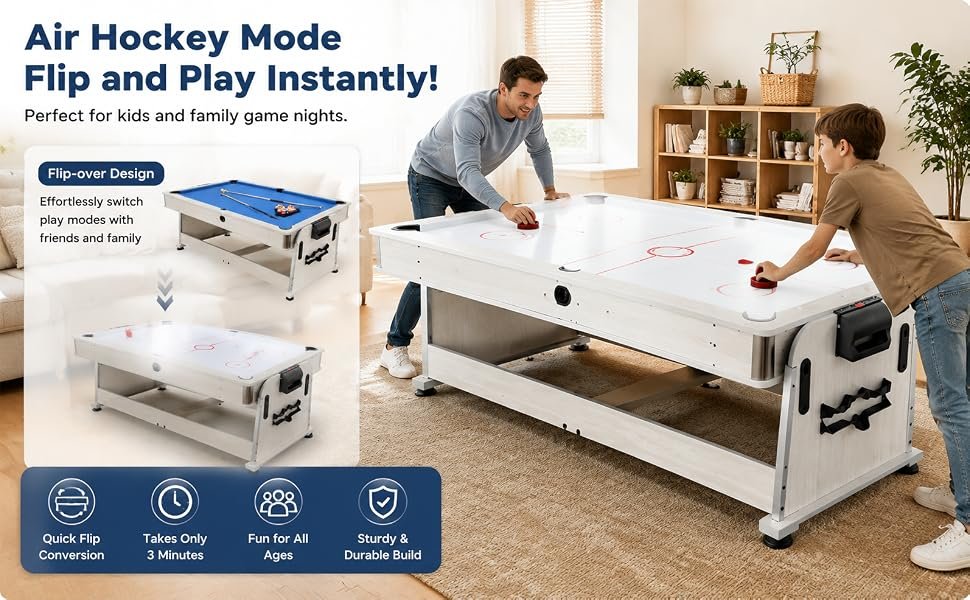
How to Increase Air Hockey Airflow: Fixes for Stronger Play
Increasing airflow on an air hockey table comes down to three things: getting the blower to push more air, removing whatever is blocking the air path, and sealing the playing surface so the air doesn’t escape at the edges. Most weak airflow is caused by a clogged or dirty table surface, a dislodged or worn blower, or a leak around the rails, and each of these can usually be fixed at home with basic tools.
Key Takeaways
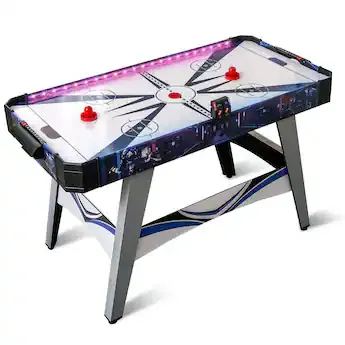
- Clean the playing surface holes first, because dust and debris in them are the most common cause of weak air.
- Check the blower fan for dust buildup and make sure it spins freely with nothing rubbing against it.
- Seal gaps around the rails and puck return with tape or gasket material, since leaks waste air you already paid for.
- Keep the blower running on the correct voltage and avoid running the table for long periods without a rest.
- Replace the blower only after the cheaper fixes fail, as a worn motor rarely recovers on its own.
Why Airflow Matters on an Air Hockey Table
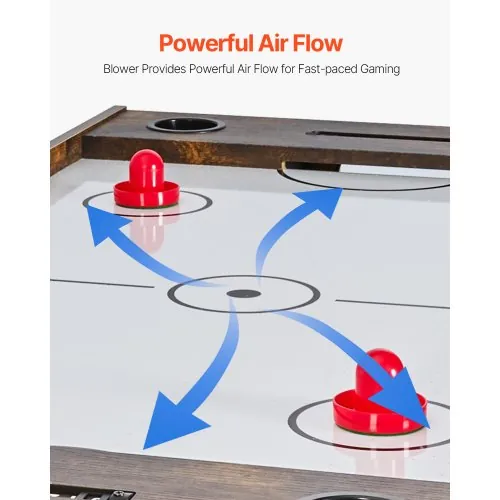
Airflow determines how far the puck floats above the surface. When the air is strong and even, the puck glides with very little friction. When it’s weak or patchy, the puck drags, stops in dead spots, and the game feels sluggish. Because the blower pushes air up through many small holes, even a few blocked holes change how the whole surface behaves.
Step-by-Step: Clean the Playing Surface
Dust, carpet fibers, and small bits of debris collect in the holes over time. This is the first thing to check.
- Unplug the table and let it cool if it has been running.
- Remove the puck and the goals so you have clear access to the surface.
- Vacuum the surface with a brush attachment to lift loose dust.
- Clear the holes with a thin wire, a pin, or a toothpick, pushing gently so you don’t enlarge them.
- Wipe the surface with a slightly damp cloth, then dry it completely before turning the table on.
Pro Tip: Work from one end of the table to the other so you can keep track of which areas you have already cleared.
Step-by-Step: Check and Clean the Blower
The blower is the fan under the table that pushes air through the surface. If it’s clogged, the air will be weak no matter how clean the holes are.
- Access the blower compartment by removing the screws on the underside panel.
- Look for dust and lint on the fan blades and inside the housing.
- Clean the blades with a soft brush or compressed air, holding the can upright.
- Spin the fan by hand (with the table unplugged) to make sure it moves freely and doesn’t rub against the housing.
- Reassemble and test the table.
Warning: Unplug the table before opening the blower compartment, and don’t stick fingers or tools near the blades while the table is running.
Common Causes of Weak Airflow
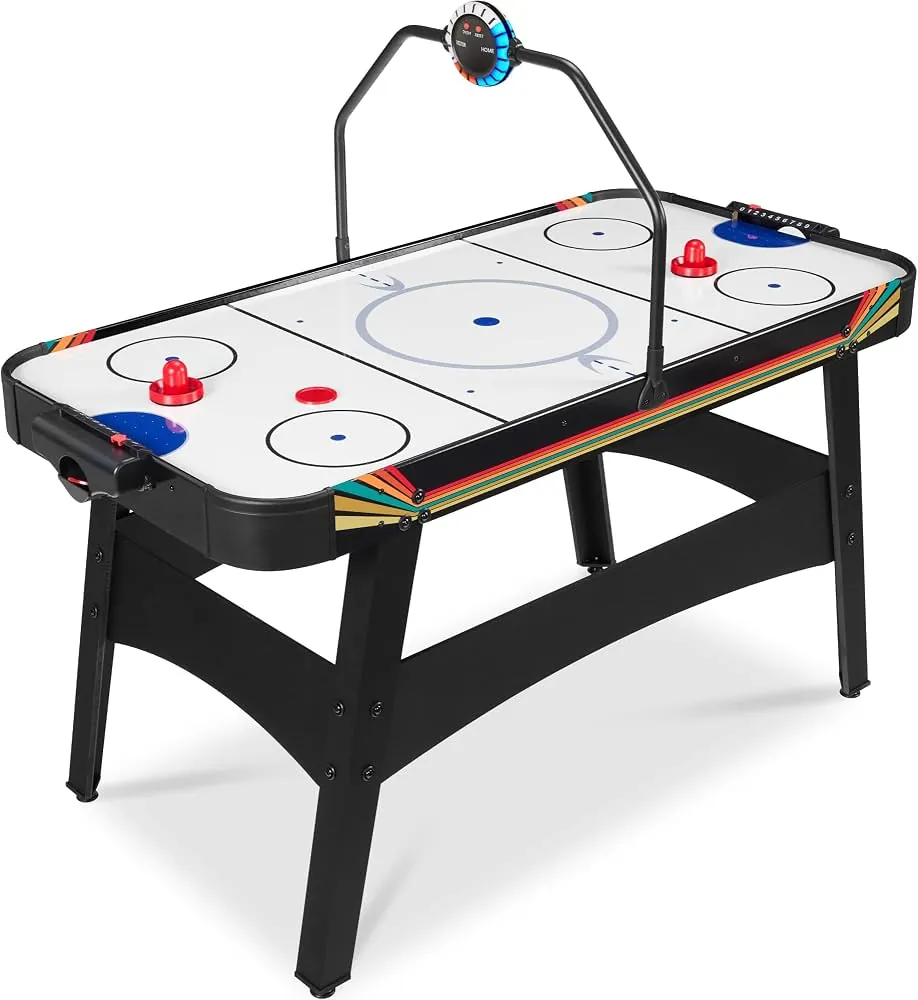
Use this table to match what you notice with the most likely cause.
| Symptom | Likely Cause | Fix |
|---|---|---|
| Puck slides well in some areas but sticks in others | Clogged holes in the surface | Clean holes with a pin or wire |
| Air is weak across the entire table | Dusty or obstructed blower fan | Clean the fan and housing |
| Air feels strong but the puck still drags | Surface wear or a warped playing surface | Inspect surface and check for flatness |
| Air escapes at the edges or rails | Gaps around the rails or goals | Seal with tape or gasket material |
| Blower sounds strained or slow | Low voltage or failing motor | Check power supply, then consider replacement |
| Airflow drops after long sessions | Overheating motor | Let the table rest between games |
Sealing Gaps and Leaks
Air that leaks out of the sides never reaches the playing surface, so sealing the edges can make a real difference without any other work.
Look along the rails, the goal openings, and the seam where the playing surface meets the frame. Press on each section while the table runs and feel for escaping air. Gaps you find can be sealed with foam weatherstripping or adhesive gasket tape. Use a thin strip so the puck still moves freely across the surface, and avoid anything thick enough to create a bump.
Pro Tip: Check the puck return area too. A worn or loose return can let air escape near the goals, where you most need the puck to glide.
Power and Usage Habits
The blower needs steady power to produce strong airflow. A table connected to a cheap extension cord, a power strip with a weak connection, or an outlet on a shared circuit may not get the voltage it needs. Plug the table directly into a wall outlet when you can, and confirm the voltage matches the rating on the blower label.
Heavy and continuous use also affects performance. Motors can heat up and lose efficiency, so resting the table between long sessions helps keep airflow consistent. Turning the table off when it isn’t in use also reduces dust buildup, since the air keeps circulating dust through the holes while it runs.
When to Replace the Blower
If you have cleaned the surface, cleaned the fan, sealed the edges, and confirmed good power, and the air is still weak, the blower motor may be failing. Signs include a grinding or humming noise, a fan that slows down or stops, and a motor that feels hot to the touch while the table is idle.
Replacement blowers are sold by air hockey parts suppliers and by manufacturers. Before buying, note the table’s brand and model number and match the voltage and fan size to the original unit. Compare the cost of a replacement against the cost of a new table, since on some budget models the blower repair costs close to a new table.
Frequently Asked Questions
Why is my air hockey table suddenly so weak?
A sudden drop usually means something has changed: a blocked hole, a dislodged fan blade, a loose connection, or a power supply problem. Start by checking the surface holes and the blower compartment for debris before assuming the motor has failed.
How often should I clean my air hockey table?
For a table used regularly, a quick clean of the holes every few weeks and a deeper blower check every few months is a sensible routine. Tables in dusty rooms or near carpet may need more frequent attention.
Can I use a hair dryer or fan to clear the holes?
Compressed air is a safer choice for clearing dust from the blower area, since a hair dryer can overheat or blow debris deeper into the housing. Use a pin or thin wire for individual holes rather than forcing air through them.
Does the puck type affect airflow?
The puck doesn’t change how much air the table produces, but a warped or damaged puck won’t float evenly and can feel like weak airflow. Replacing a worn puck is an inexpensive way to check whether the issue is the puck or the table.
Will a more powerful blower always help?
Not necessarily. A blower that’s too strong for the table can cause the puck to bounce or lift unevenly. Replacement blowers should match the original specification, and a cleaner, well-sealed table usually gives a better result than a stronger fan.
Conclusion
Start with the surface holes, since that costs nothing and fixes most weak-air complaints. If the air is still weak after cleaning and sealing, inspect the blower next and note its voltage before you order any replacement part.
About the Author Eric Glenn
I launched this blog to provide advanced material, guiding you towards a better and more comfortable gaming tools experience. I deliver more than gaming gear guides, and motivate people to play games and keep the fitness forever!

