
How to Clean Air Hockey Holes: A Simple Step-by-Step Guide
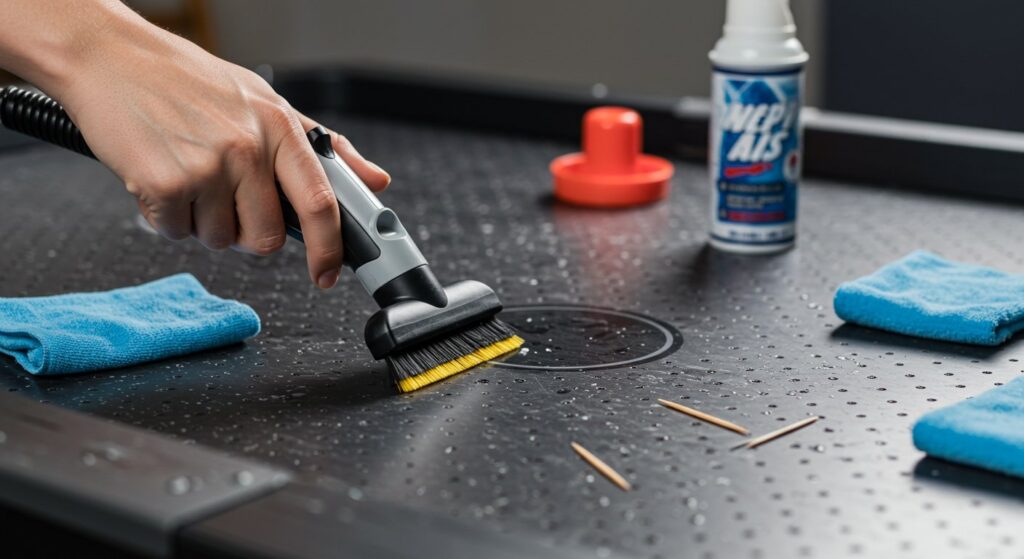
Air hockey holes get clogged with dust, fine debris, and bits of felt and wax that work their way down through the playing surface. Clean them with a small tool such as a pin, a bent paper clip, or a soft brush, then vacuum the surface and check that the blower is pushing air evenly across the table. The whole job usually takes 20 to 40 minutes and needs no special equipment.
Key Takeaways
- Clogged holes reduce airflow, which makes the puck slow, sticky, or stalled in spots.
- Unplug the table before you clean it, and never use liquid directly on the surface.
- A thin wire or pin clears most blockages without enlarging the holes.
- Vacuum the playing surface and the blower intake before you start on the holes.
- Check the blower and the air flow after cleaning, not only the surface.
Why Air Hockey Holes Get Clogged
Most clogging comes from ordinary play. Each time the puck is struck, tiny particles of dust, skin, and fine debris from the table and the puck fall into the openings. Over time these particles pack into the holes and along the channels beneath them.
Common causes include:
- Dust and lint settling from the room air, especially in basements and garages
- Worn felt or cloth fibers from the surface shedding into the holes
- Dirty hands and sweat transferring grime onto the playing surface
- Puck residue from rubbing against the table
- Spilled drinks or snacks that dry into the openings
- Dust in the blower intake, which reduces the total air the table can move
If only some holes are blocked, the problem is almost always local debris. If the entire surface plays sluggish, the issue is more likely the blower or a clogged intake.
What You Need Before You Start
Gather these items before you open the table:
| Item | Purpose | Notes |
|---|---|---|
| Soft-bristle brush or old toothbrush | Loosens debris around the holes | Avoid stiff wire brushes that can scratch the surface |
| Thin pin, bent paper clip, or straightened wire | Clears individual blocked holes | Use something no thicker than the hole |
| Small vacuum with a brush attachment | Removes loose dust and debris | A handheld model works well |
| Dry microfiber cloth | Wipes the surface | Keep it dry |
| Flashlight | Shows which holes are blocked | Helpful on dark surfaces |
| Compressed air canister (optional) | Blows debris out of channels | Use short bursts |
Pro Tip: Work on a clean towel or tablecloth beneath the table, so loosened debris doesn’t drop onto the floor or into the blower housing.
Step-by-Step: Cleaning the Holes
Step 1: Power Down and Unplug
Turn off the blower and unplug the table completely. Cleaning an air hockey table with the power connected is a shock and injury risk, particularly if you reach near the blower or any moving parts.
Step 2: Vacuum the Playing Surface
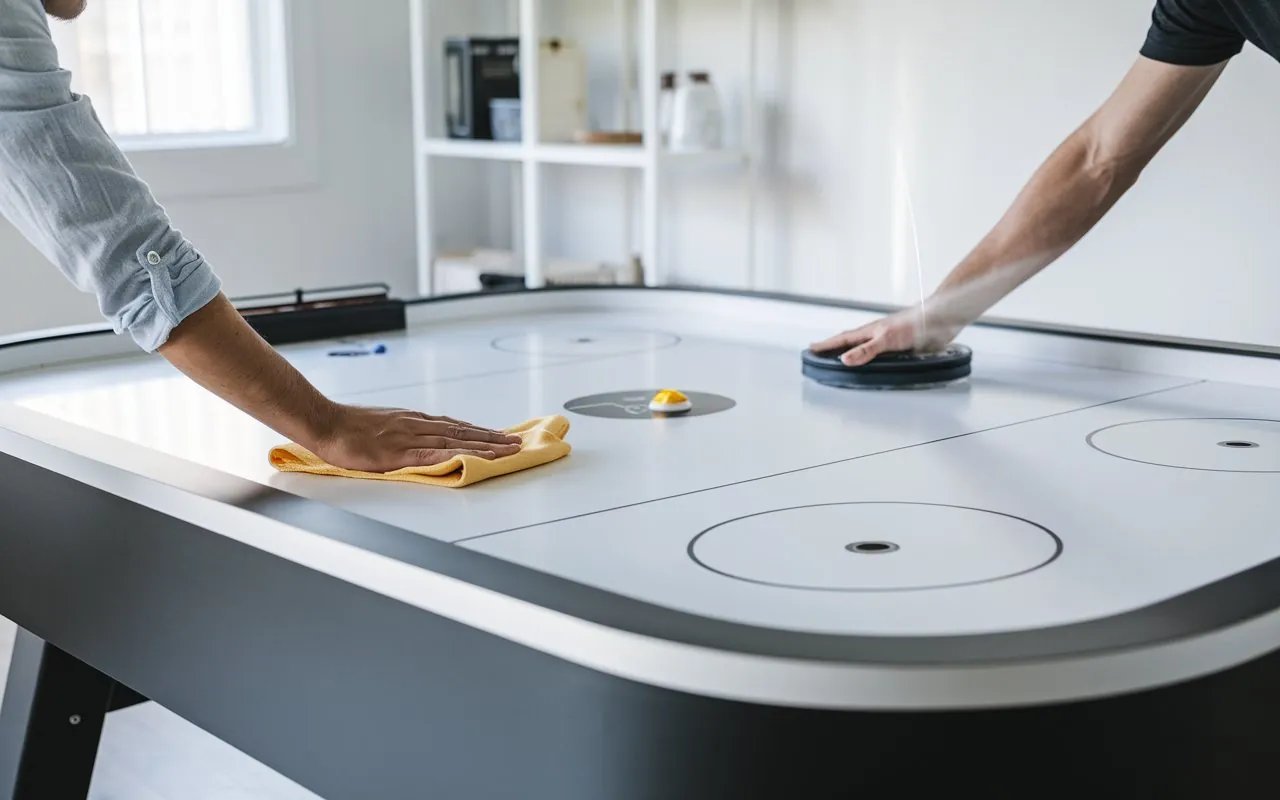
Run the brush attachment across the surface to remove loose dust. Pay attention to the goal areas and corners, where debris collects. Working dry first prevents turning dust into mud.
Step 3: Clear Each Hole
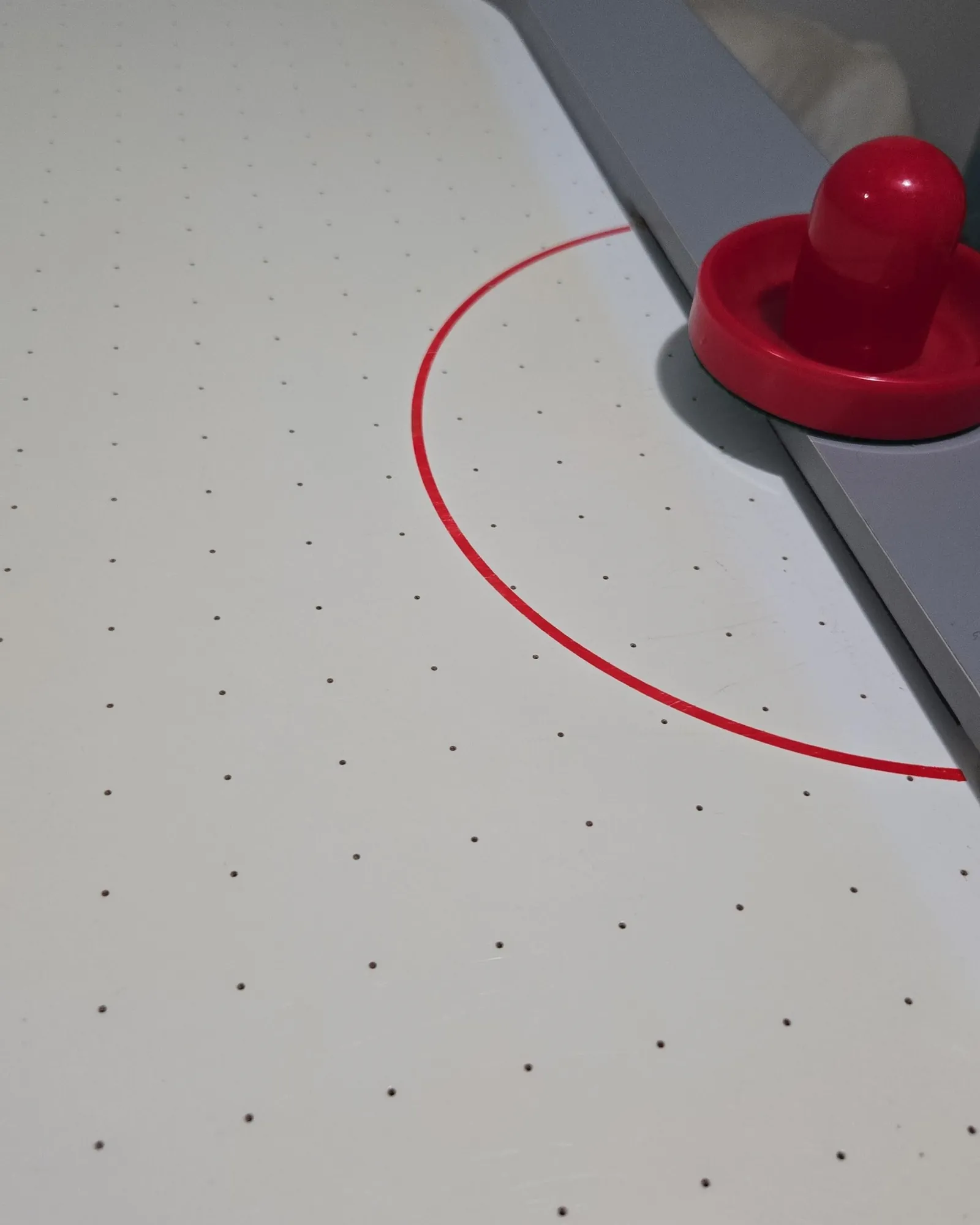
Gently insert the pin or wire into each blocked hole, pushing debris straight out or downward. Twist it lightly rather than forcing it. Don’t enlarge the holes, because a wider opening changes the airflow and can let the puck drift off its path.
Warning: Don’t push debris deep into the channels. Pushing it down can create a blockage you can’t reach. Pull material back toward the surface and remove it.
Step 4: Brush Around the Openings
Use the soft brush in small circles around each hole to lift debris that sits on the surface. This removes the rim of grime that makes the puck catch.
Step 5: Blow Out Channels
If you have compressed air, use short, controlled bursts across the surface and into the openings. Hold the canister upright to avoid spraying propellant. Blow away from the blower housing so the debris doesn’t drift back in.
Step 6: Wipe the Surface
Wipe the playing surface with a dry microfiber cloth. Use a slightly damp cloth only if the manufacturer’s instructions allow it, and let the surface dry completely before plugging the table back in.
Cleaning the Blower and Intake
A clean surface can still play poorly if the blower is starved for air. The intake is usually a grille or screen on the blower housing, and it collects dust over time.
To clean it:
- Unplug the table and locate the blower intake.
- Remove the grille or cover if it snaps or screws off.
- Vacuum the grille and the inside of the housing.
- Brush the fan blades carefully if you can reach them without removing parts.
- Replace the cover and test the table.
Pro Tip: Clean the intake every few months in a dusty room. This is faster than cleaning the holes and often restores most of the lost speed.
Troubleshooting Common Problems
The Puck Still Sticks in Some Spots
Check whether the sticking is limited to a few holes or to a zone. A zone problem usually points to a clogged channel or a sealing issue beneath the surface. Repeat the hole-clearing steps in that area, then test again.
Airflow Is Weak Across the Whole Table
This points to the blower or intake. Clean the intake first. If airflow remains weak, the blower motor may need servicing, and that’s a job for the manufacturer or a qualified repair technician.
Holes Keep Clogging Quickly
Frequent clogging often comes from the room. Dust, pet hair, or grime from the players’ hands is the usual source. Wash hands before play, keep food and drinks away from the table, and cover the table when it isn’t in use.
Puck Vibrates or Skips
Check for debris under the puck area, a loose cover, or a worn surface. If the surface is worn or damaged, cleaning won’t fix it.
How Often Should You Clean?
For a table in regular use, a quick vacuum and hole check every few weeks is a reasonable schedule. Do a full clean, including the intake, every three to six months, or sooner if the table is in a dusty area or gets heavy use.
| Task | Suggested Frequency | Time Needed |
|---|---|---|
| Quick vacuum of surface | Weekly or after heavy use | 5 minutes |
| Clear visibly blocked holes | Every 2 to 4 weeks | 10 minutes |
| Full hole and surface cleaning | Every 3 to 6 months | 20 to 30 minutes |
| Blower intake cleaning | Every 3 to 6 months | 10 minutes |
These are suggested starting points, not fixed rules. Adjust them to how dusty your space is and how often you play.
Tips to Keep Holes Clean Longer
- Keep the table covered when not in use.
- Place it away from carpets, fireplaces, and heating vents that release fine particles.
- Wash hands before play, especially after eating.
- Keep drinks and snacks off the table entirely.
- Vacuum the floor around the table regularly to reduce dust drift.
Frequently Asked Questions
Can I use water to clean the holes?
Avoid liquids on the playing surface unless the manufacturer specifically approves them. Moisture can warp the surface, damage the electrical components, or leave residue that makes the puck stick. A dry method is the safest choice for routine cleaning.
What if a hole is stuck with something hard?
Don’t dig at it with a sharp object that could scratch the surface. Try a soft brush first and gently work the debris loose. If the material won’t move, a thin plastic tool is safer than metal. Contact the manufacturer if you’re unsure how to remove a stubborn blockage.
Why does my puck slow down after cleaning?
Cleaning can remove debris that was helping the puck glide, and the surface may need a moment to settle. Check that the blower is running at full strength and that the intake is clear. If the problem remains, the surface may be worn.
Is compressed air safe for air hockey tables?
Compressed air is generally safe in short bursts when used carefully. Keep the canister upright, avoid spraying at electrical parts, and don’t hold the nozzle too close to the surface. Work in a ventilated area.
How do I know if the blower needs repair?
If the intake is clean and the holes are clear but airflow remains weak, the blower motor, fan, or power supply may be failing. Don’t open the blower housing if you’re unsure how to do so safely. A qualified technician or the manufacturer can test and repair these parts.
Conclusion
Set aside 20 minutes this weekend and clean the blower intake first, then work across the surface. Regular quick maintenance keeps the table playing fast and fair.
About the Author Eric Glenn
I launched this blog to provide advanced material, guiding you towards a better and more comfortable gaming tools experience. I deliver more than gaming gear guides, and motivate people to play games and keep the fitness forever!

