
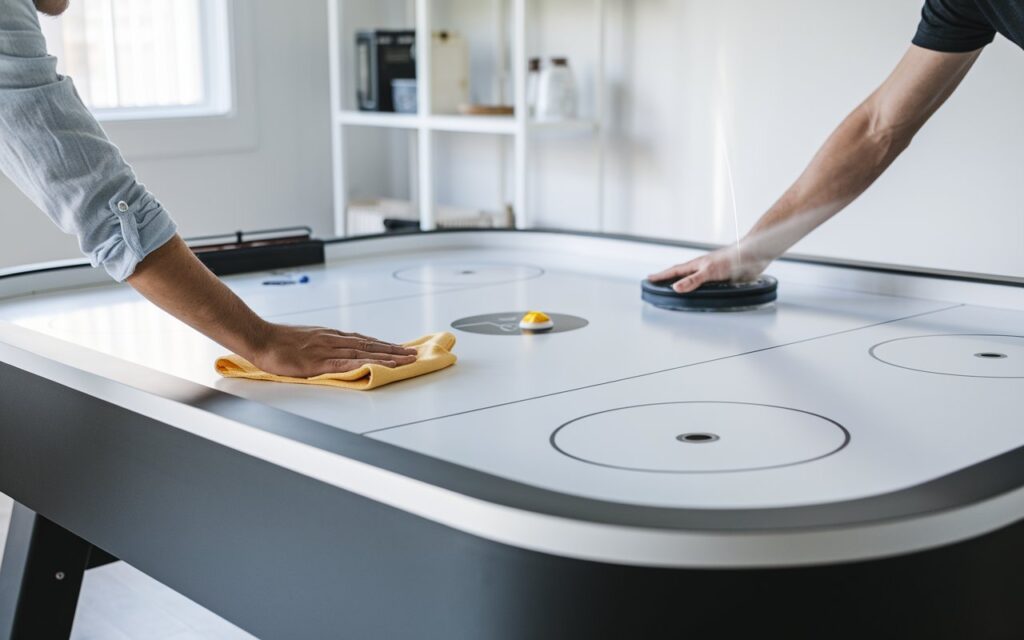
Can You Use WD40 on Air Hockey Tables? Why You Should Avoid It
No, you shouldn’t use WD-40 on air hockey tables because the chemical composition damages the playing surface and clogs the air holes. The oil attracts dust and creates a sticky residue that ruins the puck’s glide. You should clean the table with a dry, soft cloth or a specialized non-abrasive cleaner instead.
Situations for air hockey table maintenance
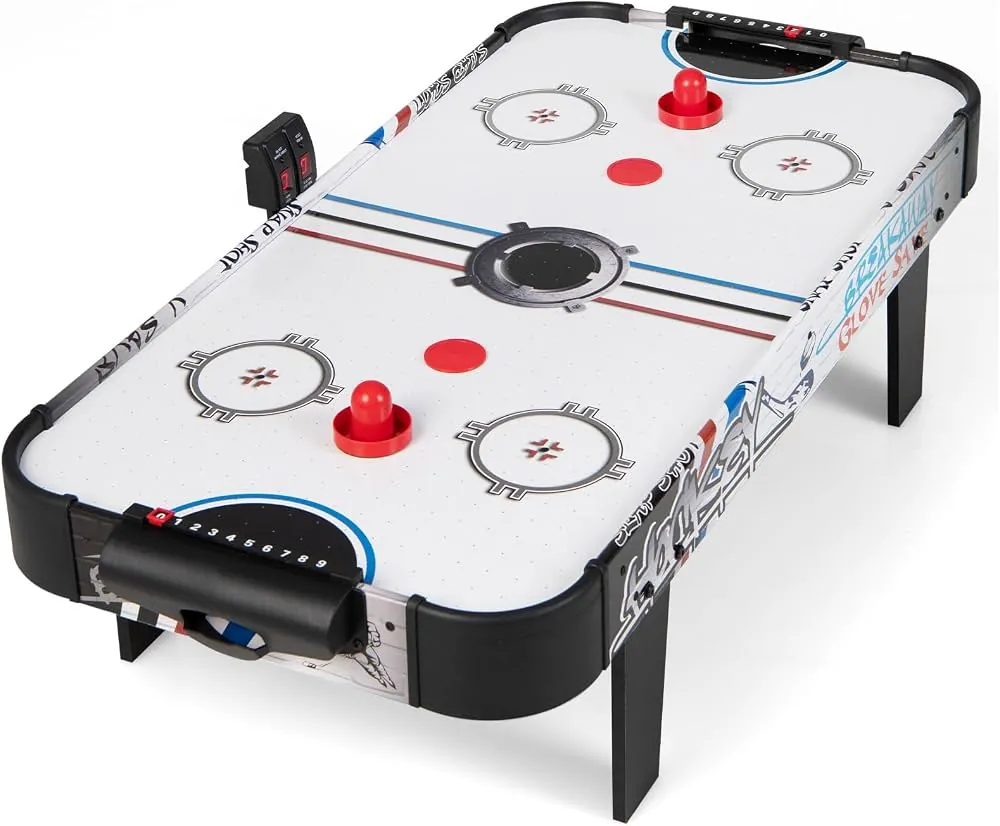
Deciding whether to use a product depends on its impact on the table’s material and airflow. The following table summarizes common scenarios involving maintenance and common cleaning mistakes.
| Your situation | Answer | Why |
|---|---|---|
| Table is slow or sticky | No | Oil creates heavy, uneven friction |
| Removing dust from holes | No | WD-40 clogs tiny air vents |
| Surface has light dust | Yes | Use a dry microfiber cloth only |
| Cleaning stubborn grime | No | Solvent chemicals can melt plastic |
| Improving puck speed | No | Only clean surfaces improve puck speed |
| Deep scratches on table | No | Polish doesn’t repair physical damage |
If you notice the puck dragging, check the air holes first. Use a vacuum hose or a toothpick to clear debris before assuming the surface needs a treatment. Clogged vents reduce the air cushion, making the table feel slow even when clean.
Avoid using aerosol sprays near the table entirely. The overspray often settles on the laminate, creating a tacky film that attracts more dust. If you accidentally apply a substance, wipe it immediately with a damp cloth and mild soap. Never use heavy solvents, as these can permanently warp the playing surface.
Why lubricants damage game tables
The primary reason you must avoid standard lubricants is their chemical interaction with the table’s materials. Most air hockey tables use a laminate or high-density plastic surface that’s designed to be dry. When you apply a petroleum-based product, the chemicals can soften the plastic or create a film that traps debris. This debris then acts like sandpaper, scratching the surface every time the puck moves across it.
Airflow is the second critical factor. A table functions by forcing air through thousands of tiny holes to create a cushion. If a liquid or oily residue enters these holes, it acts as a glue for dust and lint.
Once the holes are partially blocked, the air pressure drops, and the puck will no longer float effectively across the surface. According to the Consumer Product Safety Commission, maintaining equipment according to manufacturer instructions is the best way to prevent performance issues and ensure safe operation.
If the table is made of wood, the oil will soak in and cause warping. If it’s plastic, the chemicals may cause clouding or cracking over time. If the surface feels slow, clean it; if it’s physically damaged, replace the board.
Keeping your playing surface fast
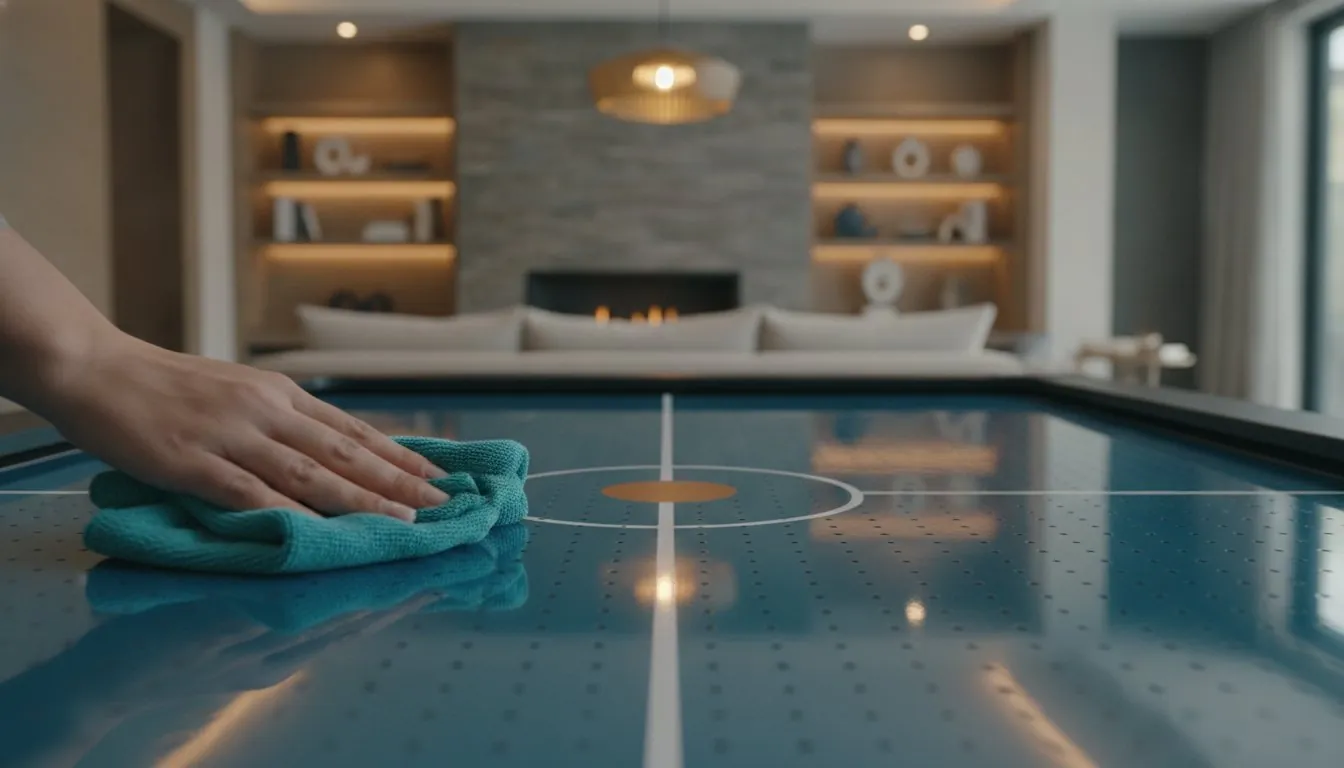
If you want to maintain a fast, smooth game, you should follow these steps to keep the table in top condition. These methods ensure the air holes remain clear and the laminate stays slick without damaging the finish.
-
Wipe with a dry cloth: Use a clean, dry microfiber cloth to remove dust from the entire playing area after every session. Never use furniture polish or wax, as these leave a sticky residue that traps dust and slows the puck.
-
Clear the air holes: Use a soft-bristled brush or a vacuum on a low setting to gently remove any debris stuck in the air holes. If a hole remains blocked, use a wooden toothpick to push the obstruction through from the top.
-
Use water for spots: If a spill occurs, dampen a cloth with plain water and wipe the area immediately, then dry it completely with a separate towel.
-
Clean the pucks: Wash the pucks with mild dish soap and water to remove any buildup that could transfer to the table surface. If the pucks show deep scratches, replace them immediately to prevent permanent damage to the laminate.
-
Check the fan: Ensure the air intake underneath the table is free from dust to maintain consistent pressure through the holes. If the airflow feels weak, vacuum the intake screen monthly.
The mistake of using chemical sprays
People often think that making the surface “slick” with a spray will help the puck move faster. This is a common mistake that actually costs you the entire playing surface. Once the oil is applied, it’s nearly impossible to remove completely from the thousands of tiny holes.
The residue traps dust and debris, creating a sticky paste that clogs the air ports. If your puck begins to drag or hover unevenly, you have likely already compromised the internal pressure. A quick test is to place a single sheet of paper over the holes; if it doesn’t lift uniformly, the airflow is blocked.
The cost of this error is often a permanent reduction in airflow or the need to replace the entire tabletop. You can avoid this by only using dry cleaning methods or products specifically approved by the manufacturer for your specific table model.
When to seek professional repair
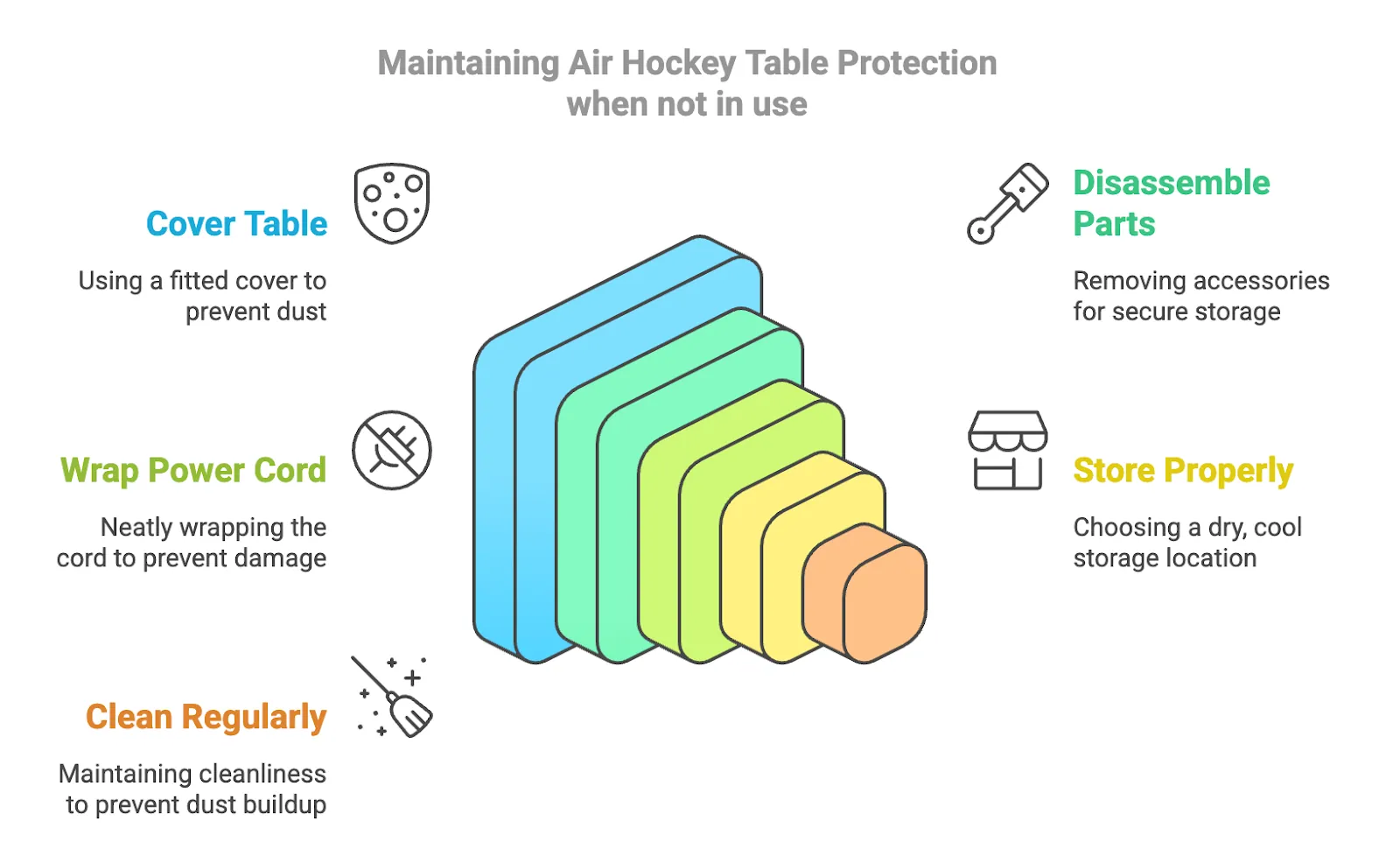
When your air hockey table stops functioning despite regular cleaning, you should stop trying to fix it yourself. Signs that you need professional help include:
The fan motor makes a grinding or rattling noise, which indicates internal mechanical failure. If you hear a high-pitched whine that changes pitch when you tilt the table, the motor bearings are likely shot. Replacing these requires specialized pullers that most homeowners don’t own.
No air comes out of specific sections, suggesting a structural blockage or fan housing issue. If the airflow is uneven, check for debris inside the plenum chamber first. If the chamber is clear but the dead spots remain, the internal air distribution baffles have likely collapsed.
The table surface is physically warped or cracked, which requires professional leveling or board replacement.
Electrical components like the scoreboard or power switch fail, which presents a shock risk if handled incorrectly. If the unit trips your home breaker, stop immediately. Attempting to open the base or repair the electrical motor without training can void your warranty or cause injury.
Frequently asked questions
Can you use silicone spray on air hockey?
No, you shouldn’t use silicone spray as it leaves a residue that attracts dirt and ruins the airflow. Use only dry cloths to maintain the surface.
How do I make my air hockey table faster?
You make it faster by cleaning the holes with a soft brush and ensuring the fan is free of dust. A clean, dry surface is the only way to achieve maximum speed.
Is it safe to use Windex on the table?
No, standard household cleaners often contain chemicals that strip the finish or damage the plastic laminate. Stick to a slightly damp cloth with water only.
How often should I clean the surface?
You should wipe the surface with a dry cloth after every session. Regular maintenance prevents the buildup of dust that slows the puck down.
What if the puck is still slow after cleaning?
The issue is likely with the air pressure, so check the fan filter for blockages. If the fan is clear, the internal air distribution system may need professional inspection.
Does it matter if I use a different puck?
Yes, using a puck that’s the wrong weight or size for your table will decrease speed and damage the surface. Only use the pucks provided by the manufacturer.
Maintaining your air hockey table
Start by wiping the entire surface with a dry microfiber cloth before you play. A smooth, dust-free surface will provide the best puck glide and ensure the air holes stay clear.
If you notice the puck dragging or the fan sounding weak, stop play immediately to inspect the air intake and holes for debris. Use a toothpick to gently clear any lint or dust trapped inside individual holes. Never use WD-40 or other lubricants on the surface. These products create a sticky residue that attracts dust and permanently ruins the table’s airflow.
If the puck still drags after cleaning, check the underside of the puck itself for scratches. A damaged puck acts like sandpaper, grinding down the table surface. Replace it immediately to prevent long-term damage.
About the Author Eric Glenn
I launched this blog to provide advanced material, guiding you towards a better and more comfortable gaming tools experience. I deliver more than gaming gear guides, and motivate people to play games and keep the fitness forever!

